For fuelers
Log every fill-up on your phone.
The app you log fuel with on shift. It saves with no signal, and setup takes about two minutes.
Setup
Three steps and you're logging
Step 1
Get the app from your company
Your admin sends you your code and tells you how to get the app. It runs on Android phones with Android 10 or newer.
Step 2
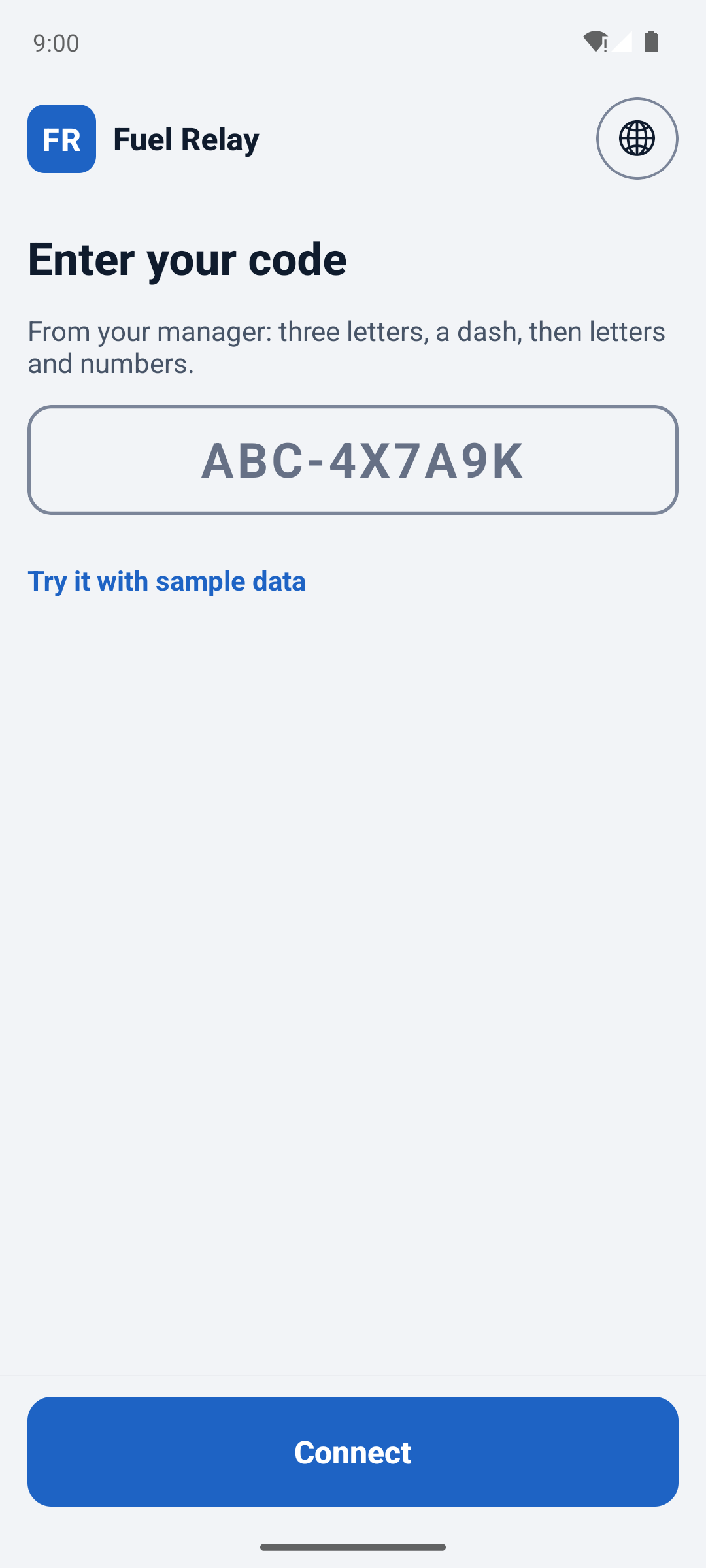
Type the code your admin texts you
Your code is your login. Type it in once and you stay signed in on that phone. There's no email or password.
Step 3
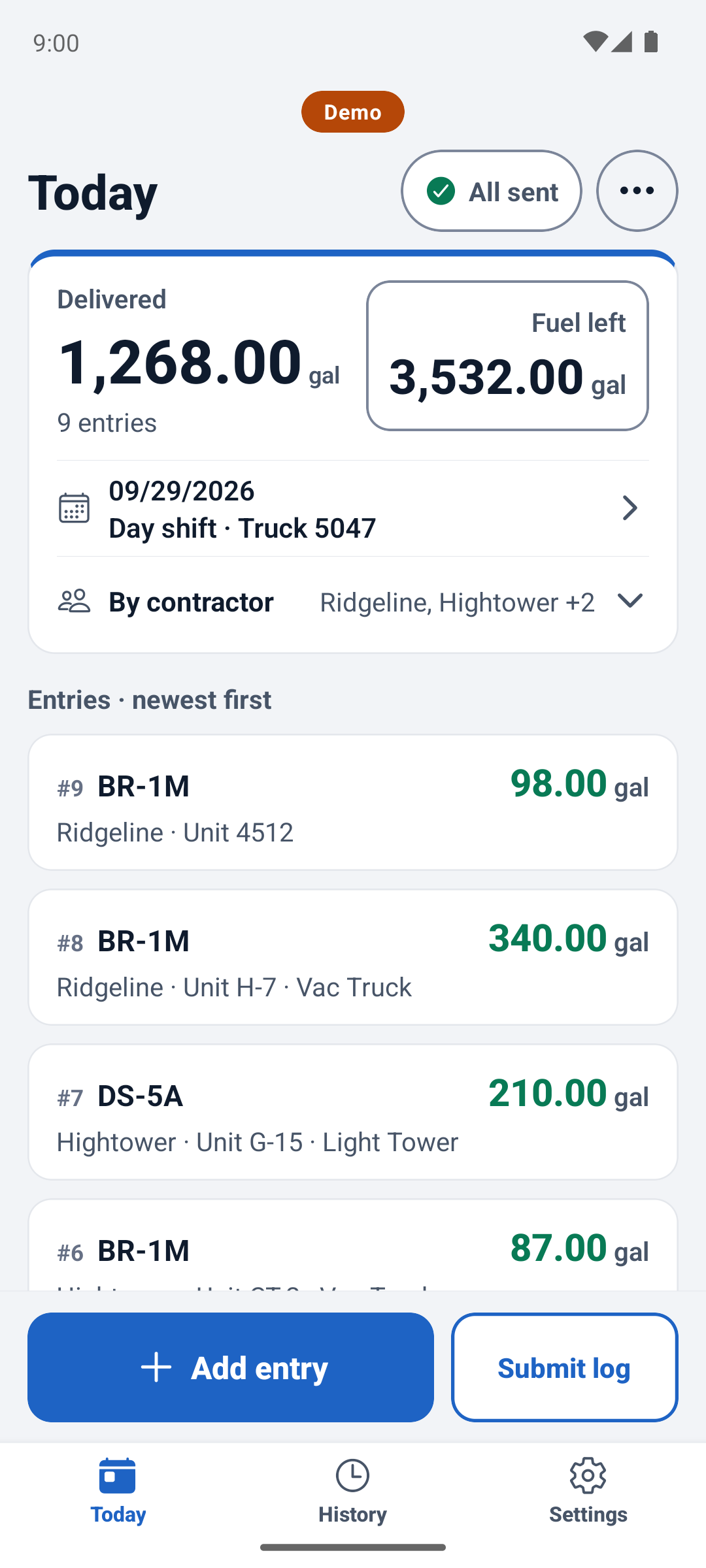
Log each fill-up
Tap it in, or say it if you have signal. It saves on your phone and sends when you get signal again.
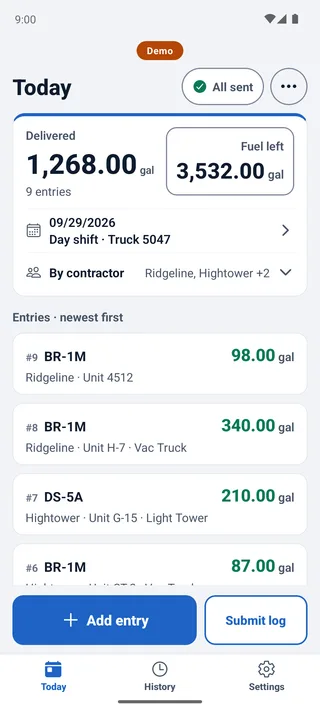
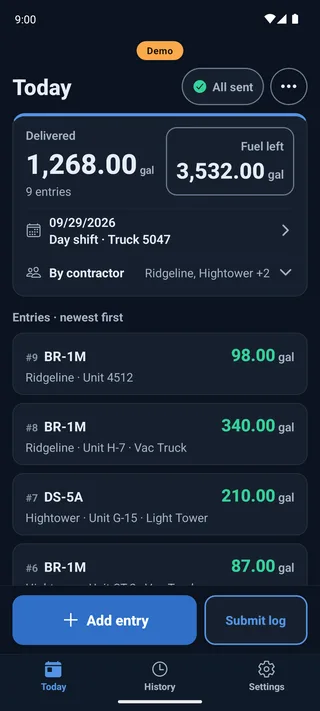


In the app
What else it does
The fuel ticket app has big buttons and runs in 20 languages.
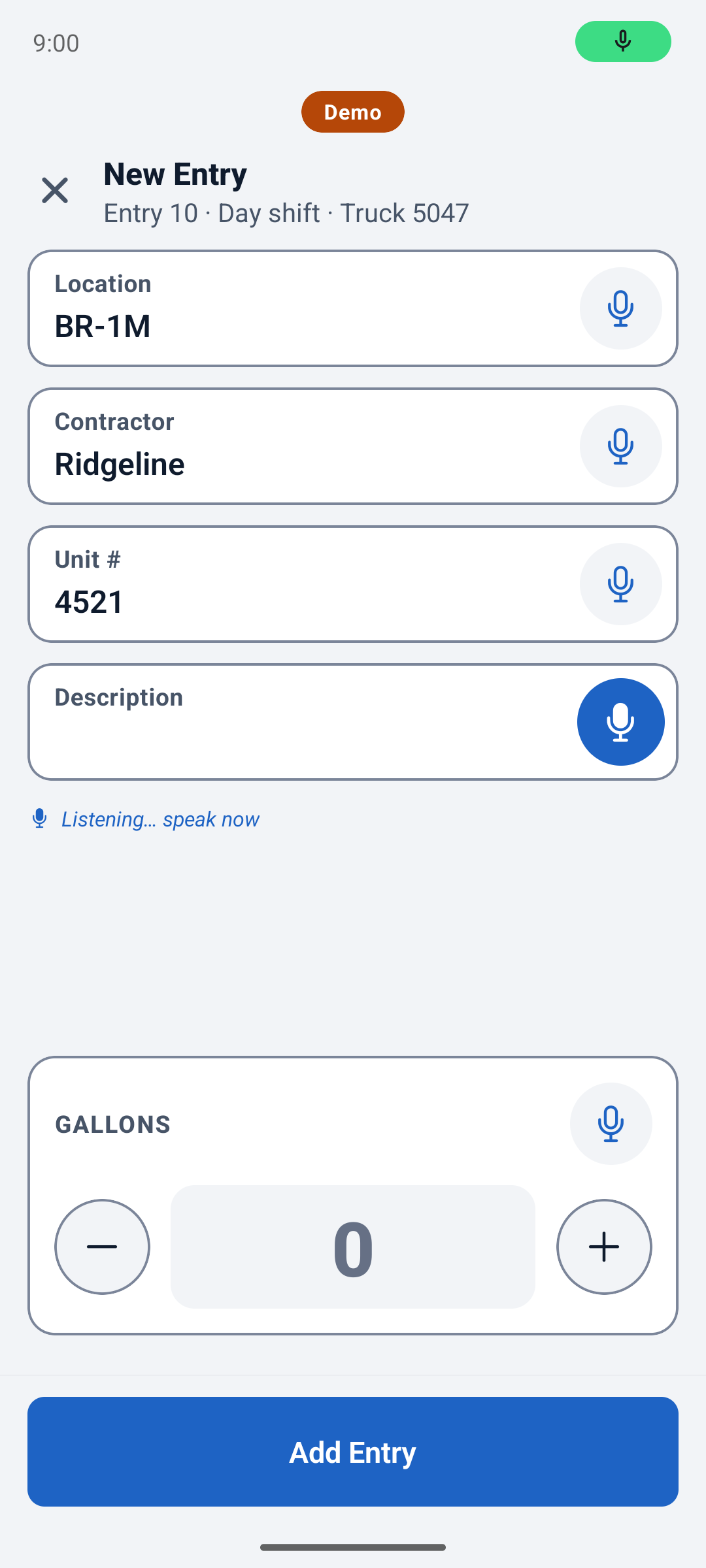
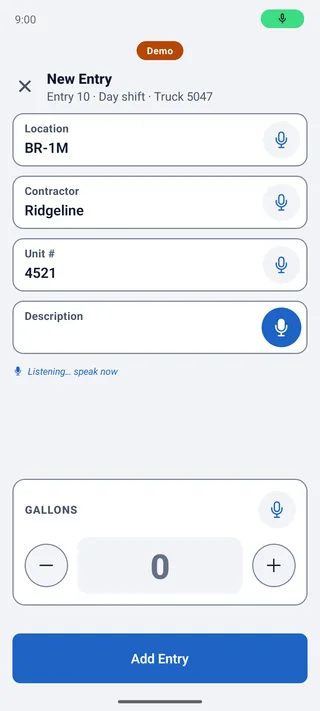
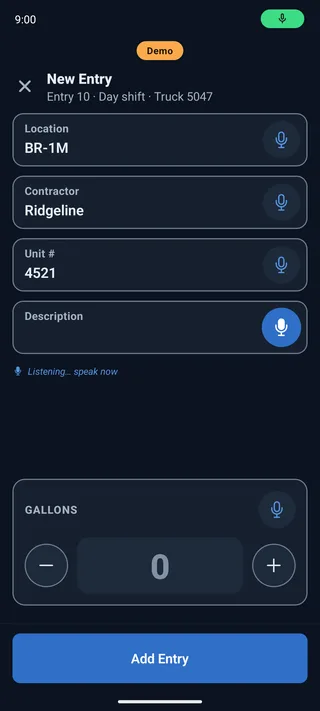
Say it instead of typing
Tap the mic on a field and say the unit, the place or the gallons.
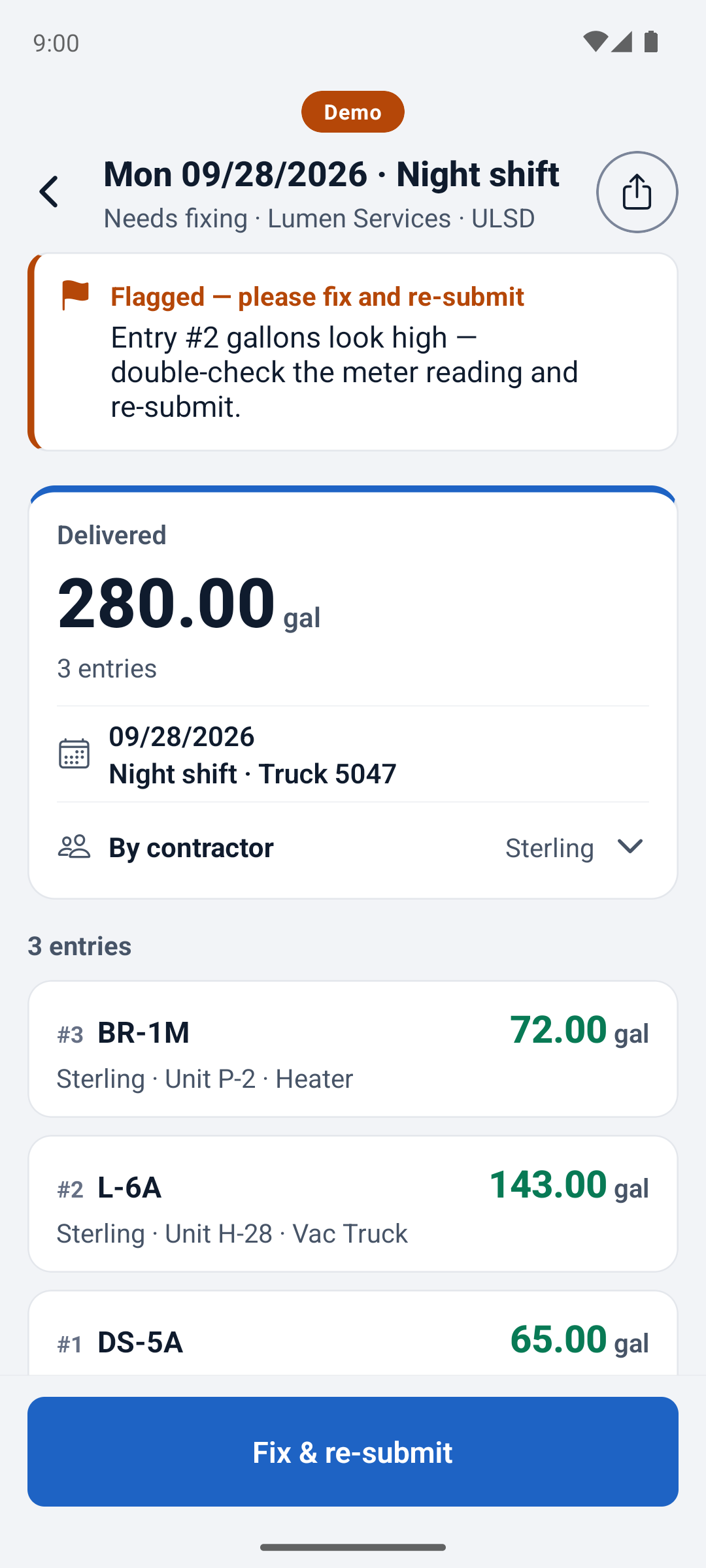
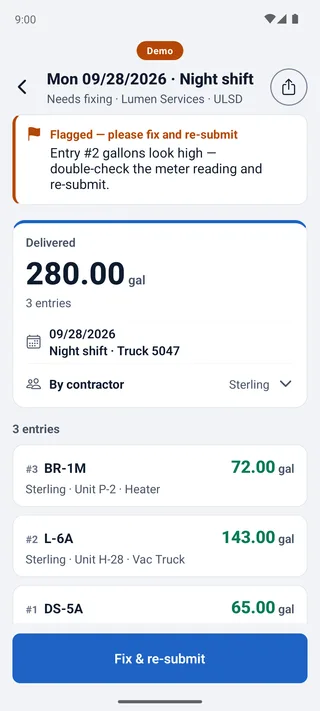
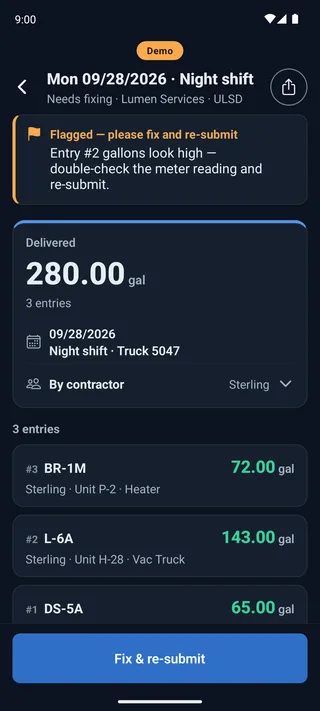
Fix what the office sends back
Their note is right on the log. Fix it and send it again.
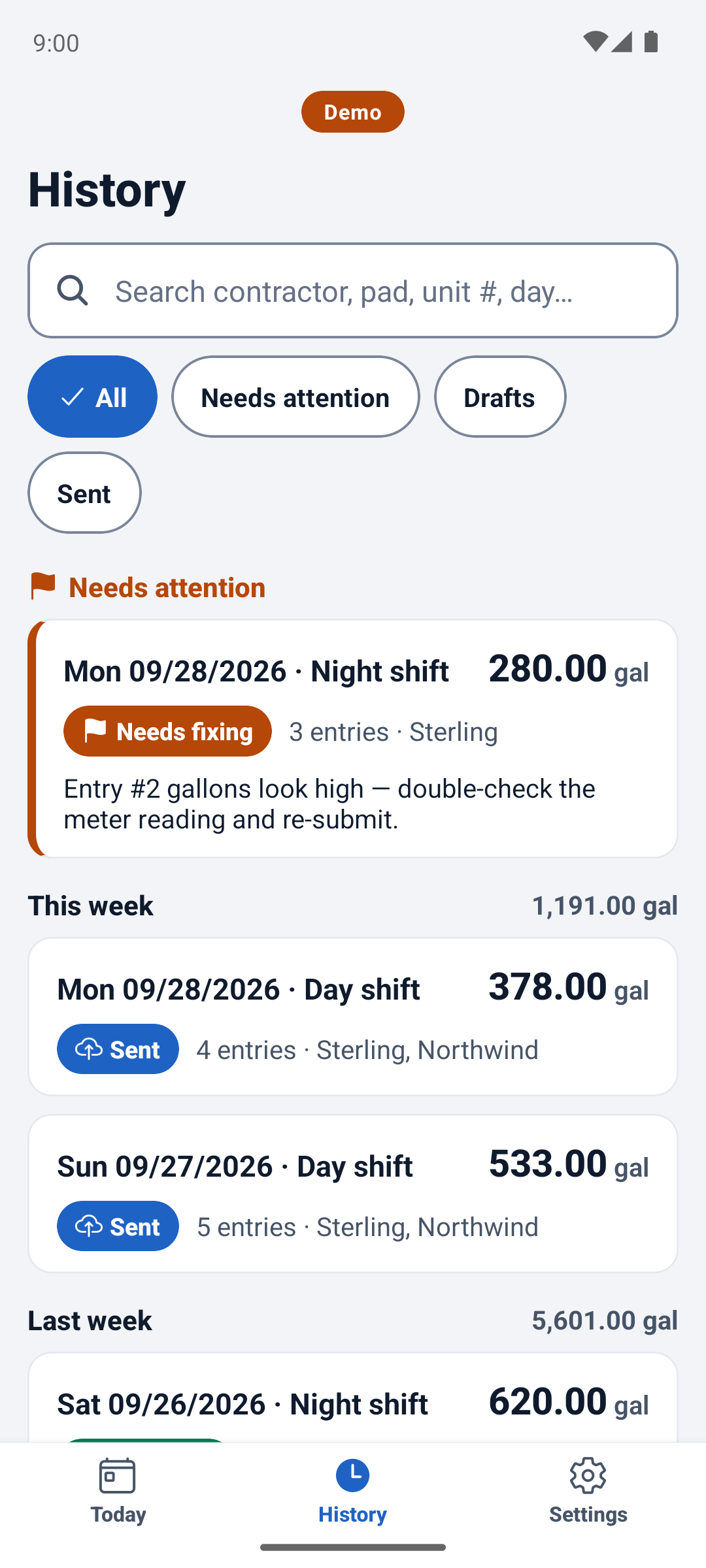
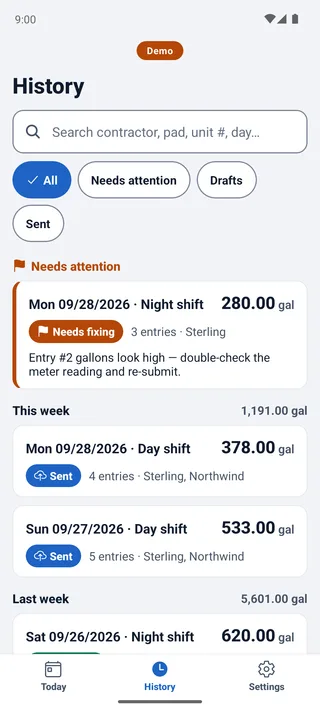
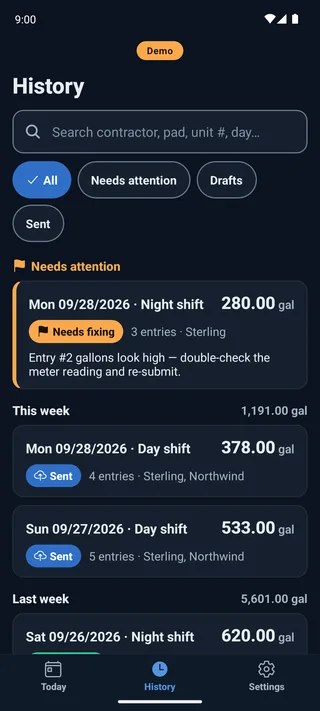
Every shift you logged
Your past logs and their status, on your phone.
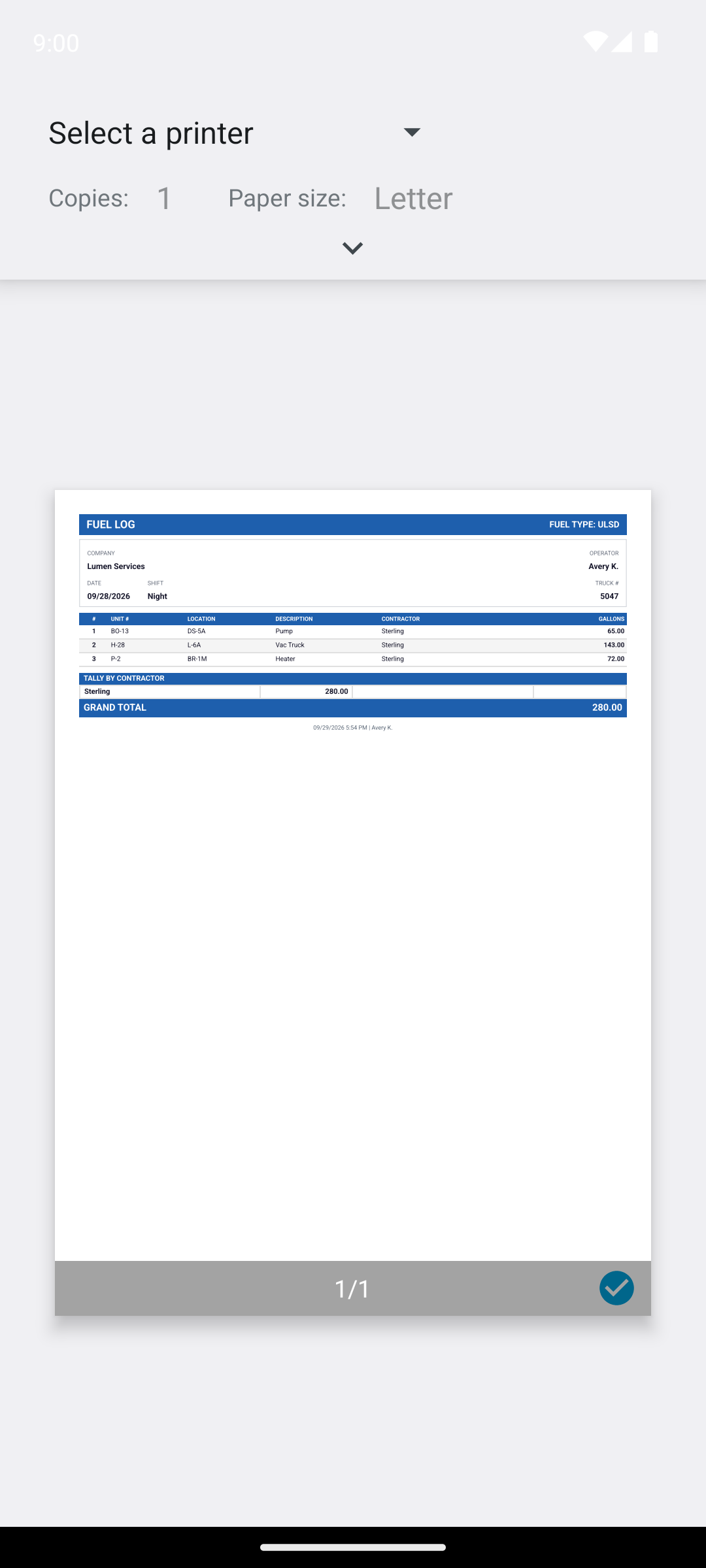
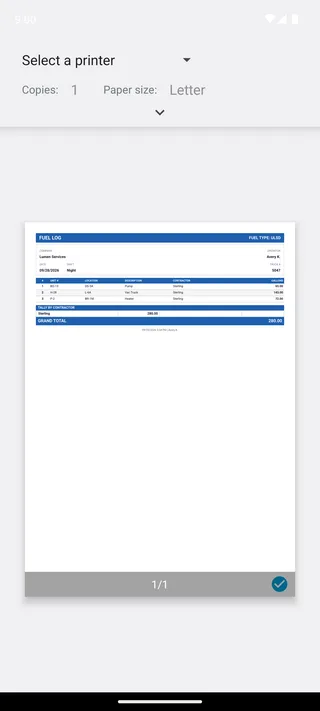
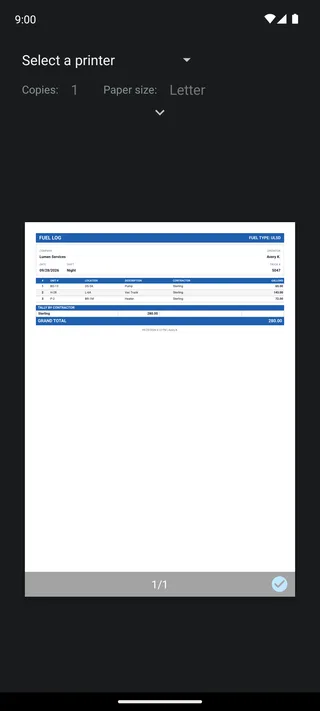
A PDF of your shift
Make one on the phone and share it.


Questions
Questions from fuelers
What does it cost me?
Do I need an account?
Does it work offline?
Can I use it in Spanish?
Is my data private?
Keep reading
Related pages
- What wet hosing isFueling equipment straight from the truck, and what to record for every fill.
- Logging a frac or rig fueling shiftDozens of units a shift on a pad with no signal, and a bill for each contractor.
- Oilfield fuel delivery softwareThe overview: what a delivery record holds, the office side, and what it costs.
Getting the app
Ask your admin
Your admin sends your code and tells you how to get the app. From there you can be logging in about two minutes.